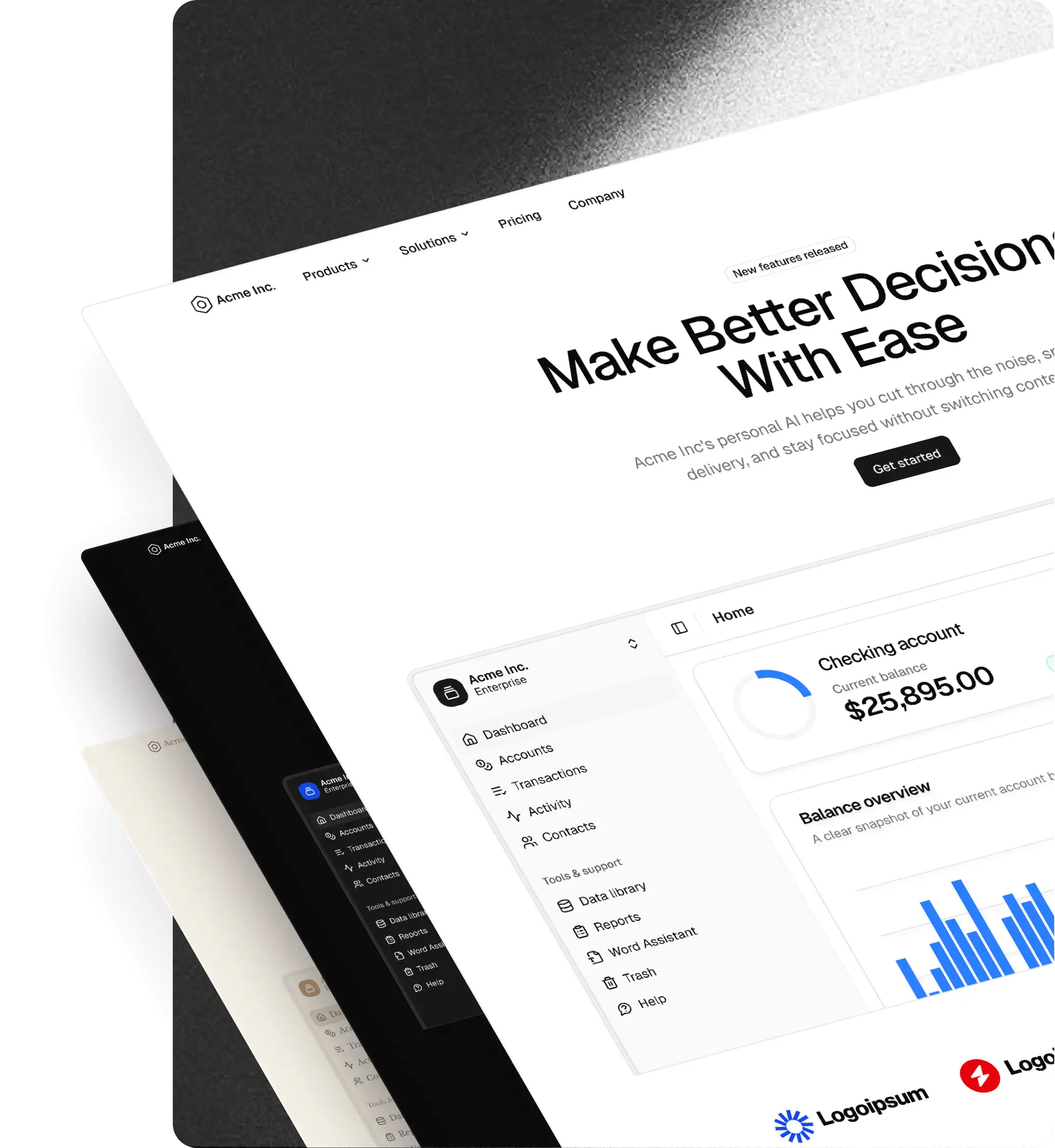
shadcncraft Free Registry
Learn how to use the shadcncraft free registry to install React components and blocks into your project.
The shadcncraft free registry is a collection of free, open-source components and blocks for shadcn/ui. No license keys, no authentication. Browse all free components at free.shadcncraft.com.
Requirements
- A project initialized with shadcn/ui
If you haven't set up shadcn/ui yet, follow their installation guide.
Quick Start
Installing any component automatically registers the @shadcncraft namespace in your project. No manual configuration needed!
$ pnpm dlx shadcn@latest add @shadcncraft/contact-11
That's it! The shadcn CLI will:
- Download the component to your project
- Automatically add the
@shadcncraftregistry to yourcomponents.json - Install any required dependencies
What Happens Automatically
When you install your first shadcncraft component, the CLI adds this to your components.json:
{
  "registries": {
    "@shadcncraft": "https://free.shadcncraft.com/r/{name}.json"
  }
}
You don't need to do this manually. The shadcn registry directory already has the @shadcncraft namespace registered, so the setup is completely automatic.
Installation
Install a Single Component
$ pnpm dlx shadcn@latest add @shadcncraft/[component-name]
Install Multiple Components
$ pnpm dlx shadcn@latest add @shadcncraft/contact-11 @shadcncraft/section/footers-4 @shadcncraft/section/testimonials-11
Available Components
Browse all available free components at free.shadcncraft.com.
Each component page includes:
- Live preview
- Installation command
Support
- Issues: Report bugs or request features on GitHub
- Community: Join our Discord for help and discussions
FAQ
Do I need to configure anything?
No! Just run the install command. The @shadcncraft registry namespace is already registered in the shadcn directory, so everything works automatically.
Can I use these components in commercial projects?
Yes! All free components are open source and can be used in any project, including commercial ones.
How do I update components?
Simply run the install command again. The CLI will update the component to the latest version.
$ pnpm dlx shadcn@latest add @shadcncraft/contact-11
Where are components installed?
Components are installed to your project's components directory (typically src/components/ui or components/ui), just like regular shadcn/ui components.
Can I customize the components?
Absolutely! Once installed, the components are yours to modify. They follow shadcn/ui's philosophy of copy-paste, not package imports.
License
All shadcncraft free components are open source and available under the MIT License.
Free vs Pro
Free Tier (What You're Using)
- All basic components and blocks
- No license key required
- No authentication
- Unlimited usage
- Open source
Pro Tier
Looking for advanced components, premium blocks, and priority support? Check out shadcncraft Pro React.
Ready to get started? Visit free.shadcncraft.com to browse components.